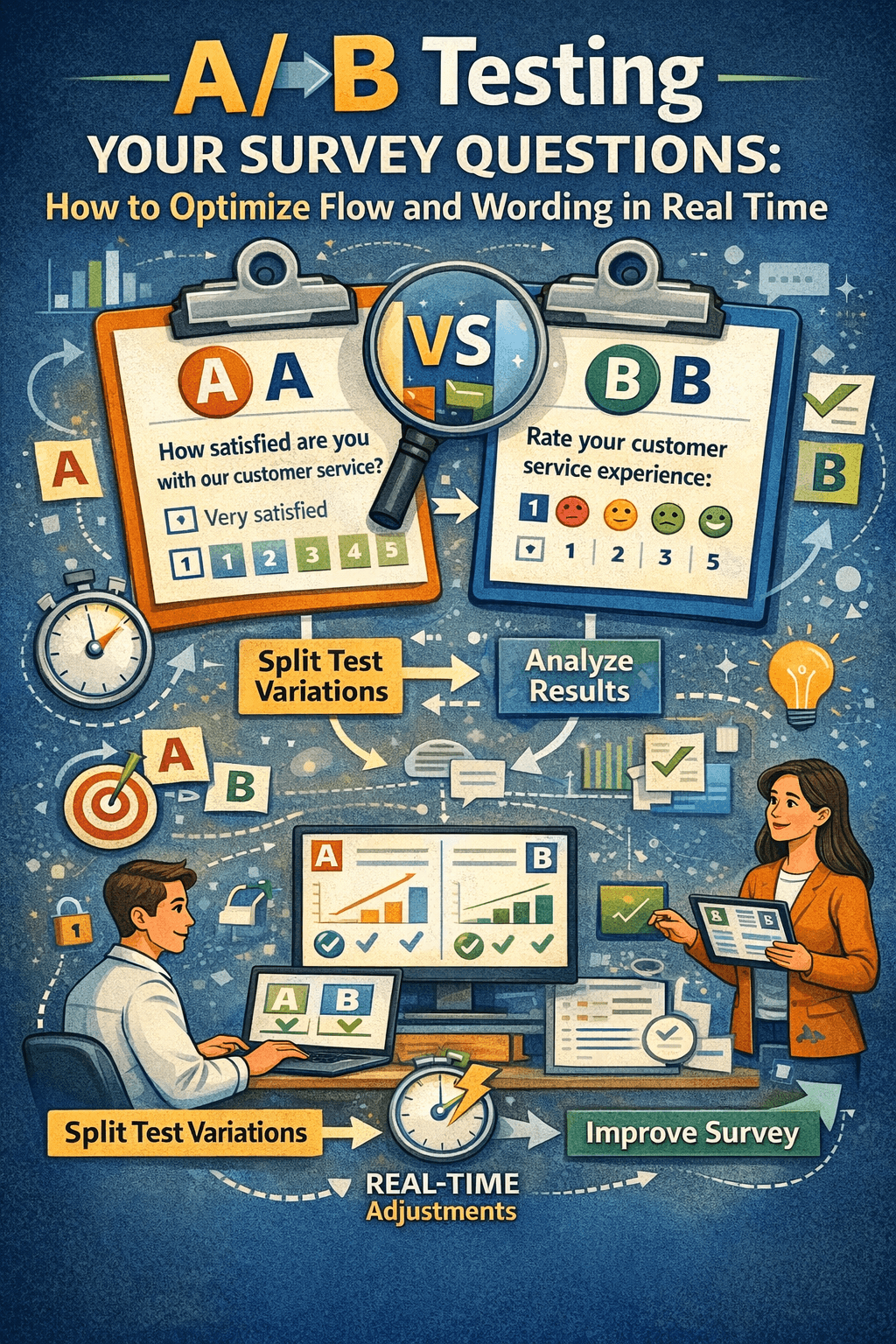
You've built your survey. The questions feel right. The flow makes sense. You launch — and three weeks later, you're staring at a dataset full of gaps, skewed distributions, and drop-offs you can't explain.
Here's the uncomfortable truth: the survey itself may be the problem.
Most teams treat survey design as a one-time decision. Write the questions, get them approved, deploy. But the best-performing surveys — the ones that generate clean, reliable, decision-ready data — are built through iteration. Specifically, through A/B testing.
This guide walks you through exactly how to implement A/B testing inside your KAPsurvey forms, step by step, so you can stop guessing about what works and start knowing.
What Is A/B Testing in a Survey Context?
In product development, A/B testing means showing two versions of something to different users and measuring which performs better. The same logic applies to surveys.
You create Version A and Version B of a question — different wording, different scale, different position in the flow — randomly assign each version to respondents, and compare the results.
You're not testing which answer people give. You're testing how the question itself affects the quality of the answer.
Specifically, you can measure:
- Completion rates — does one version cause more drop-offs?
- Non-response rates — does one version get more "prefer not to say" or blanks?
- Response distribution — does the wording push respondents toward certain answers?
- Open-text richness — does one version produce more detailed, usable qualitative responses?
Each of these tells you something different about whether your question is working.
Why This Matters More Than You Think
Consider two ways to ask the same question about customer satisfaction:
- Version A: "Are you satisfied with our service?" → Yes / No
- Version B: "How would you describe your experience with our service?" → Very satisfied / Somewhat satisfied / Neutral / Somewhat dissatisfied / Very dissatisfied
Version A feels clean. But it forces binary thinking onto a nuanced experience. It also leads the respondent — "satisfied" is planted in the question before they've answered. Version B captures gradient, which is almost always what product and business teams actually need.
Without testing, you'd never know which version your specific audience responds to more honestly. Different sectors, cultures, and user bases behave differently. The only way to know is to run the experiment.
How to Set It Up in KAPsurvey: A Step-by-Step Guide
KAPsurvey's form logic capabilities make A/B testing straightforward to implement without any technical background. Here is how to do it.
Step 1 — Create a Random Group Assignment
At the very start of your survey, before any questions, add a hidden calculate field that randomly assigns each respondent to either Group A or Group B.
In your form settings, add a calculated field with this logic:
Field name: ab_group
Field type: Calculate
Calculation: if(random() > 0.5, 'A', 'B')
This runs silently when the survey loads. Every respondent is assigned a group. The assignment is invisible to them they simply see the survey.
💡 KAPsurvey tip: Set this field as hidden so it never surfaces to the respondent, but make sure it is included in your data exports. It is the key variable for all your analysis.
Step 2 Write Both Versions of Your Question
Create two versions of the question you want to test. Give them distinct field names so they appear as separate columns in your dataset.
Example:
Field name
Label
q5_version_a
How satisfied are you with your onboarding experience?
q5_version_b
Describe your onboarding experience in your own words.
Keep everything else identical — position in the form, any preceding context, instructions. The only thing changing is the question itself.
Step 3 Use Display Logic to Show One Version Only
Now apply conditional display logic so each respondent sees only their assigned version:
- Version A field → Show only if: ab_group = 'A'
- Version B field → Show only if: ab_group = 'B'
In KAPsurvey, this is set under the Relevance / Skip Logic settings for each field. No respondent will ever see both versions. From their perspective, there is only one question.
Step 4 Define Your Sample Threshold Before You Launch
This is the step most teams skip and it's the one that matters most.
Before a single response comes in, decide the minimum number of responses per group you need before you will look at the results. As a general rule:
- For completion / non-response rates: minimum 100 responses per group
- For Likert scale distributions: minimum 80 responses per group
- For open-text quality comparisons: minimum 50 responses per group, reviewed qualitatively
Write this number down. Commit to it. Do not check results until the threshold is reached. Early peeks introduce bias you may start making decisions based on noise, not signal.
Step 5 Analyze and Decide
Once your threshold is reached, filter your dataset by ab_group and compare the two groups across your key metrics.
Ask:
- Which version had a lower drop-off rate at that question?
- Which version produced a more evenly distributed response spread (a sign of less leading)?
- Which version generated higher-quality open text?
- Were there meaningful differences in non-response?
The version that produces more complete, more distributed, more honest responses is your winner. Update your form, retire the losing version, and move on to the next question worth testing.
What to Test — and What to Leave Alone
Good candidates for A/B testing:
- Questions about sensitive topics (income, age, personal experiences)
- Any question where your pilot data shows unusual clustering (e.g., 80%+ of responses in one option)
- Questions with historically high skip or drop-off rates
- Scale direction — some audiences respond differently to scales that run 1–5 vs. 5–1
- Open-ended vs. structured response format for the same question
Leave these alone:
- Demographic questions (standardize these and keep them consistent)
- Questions you need to compare across survey versions over time
- More than one element per test change the wording or the scale, never both at once
The Business Case for Getting This Right
Every survey your team runs is an investment in time, in respondent goodwill, and in the decisions that will be made from the data. A poorly worded question does not just produce a bad answer. It produces a confidently wrong answer one that looks clean in a dashboard but is quietly distorting your understanding of your customers, your users, or your programme participants.
A/B testing is how you build evidence that your instrument is sound before you scale it. It turns survey design from a matter of opinion into a matter of data.
Ready to Run Your First A/B Test?
KAPsurvey's form logic and randomization features give you everything you need to implement this today no coding required, no external tools, no extra cost.
Start with one question. Pick the one your team has debated the most. Build both versions. Set your threshold. Let the data decide.